- Oct 1
7 Signs Your Website Needs Better Optimization
- ROILift Technologies
- 0 comments
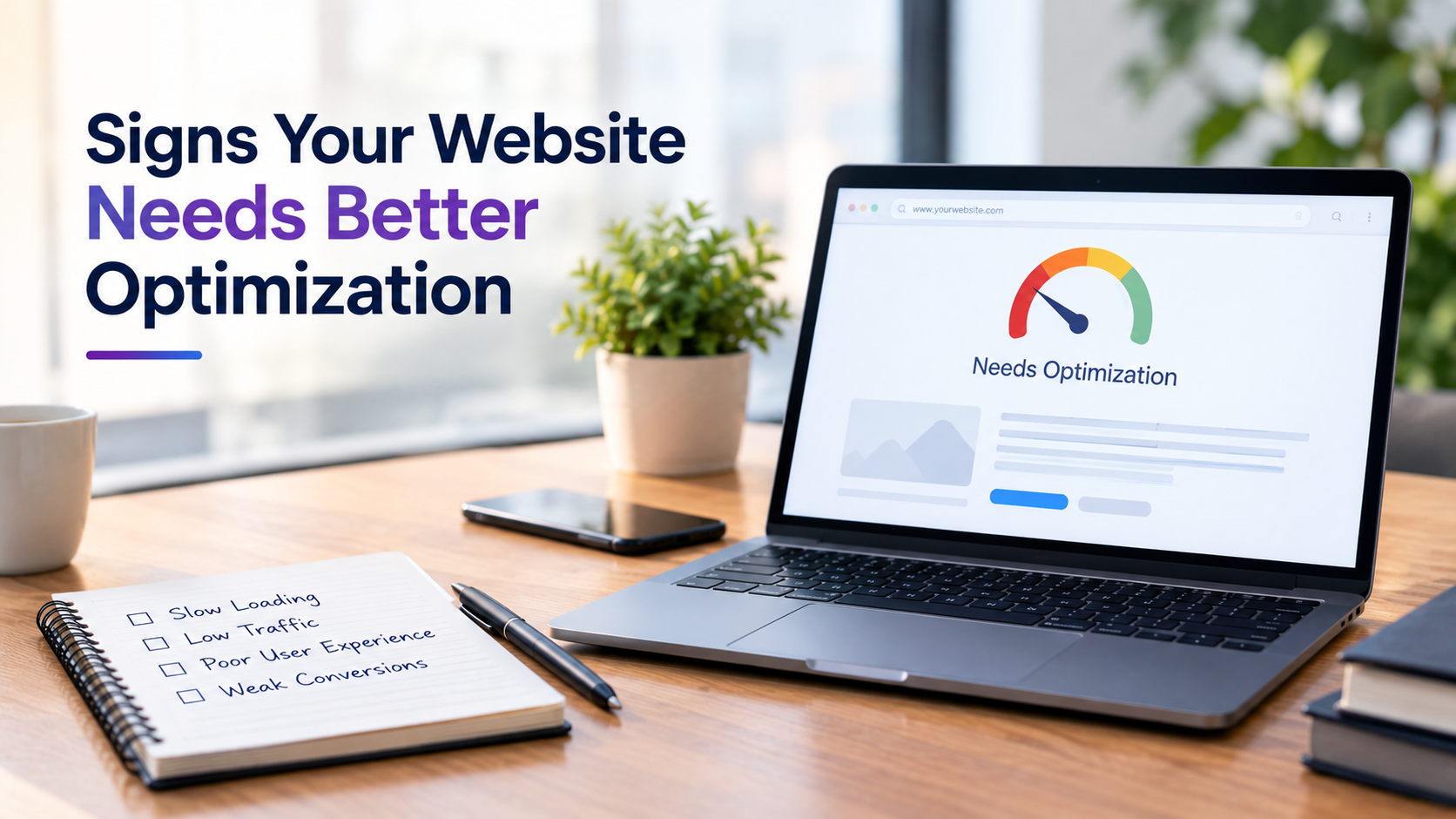
A website can look professional and still perform poorly in search results, load slowly, or lose potential customers. Website optimization is about making your site easier for search engines to understand and easier for visitors to use.
If traffic is low, visitors leave quickly, or enquiries are not increasing, check these seven signs.
1. Your Website Loads Slowly
Page speed directly affects the user experience. If visitors have to wait several seconds for important content to appear, they may leave before seeing your offer.
What to fix: Compress large images, remove unnecessary scripts, reduce unused code, enable browser caching, and improve server response time. Check important pages on both mobile and desktop.
2. Your Website Is Difficult to Use on Mobile
A large share of website visits comes from mobile devices. If text is difficult to read, buttons are too small, or pages require horizontal scrolling, visitors may leave.
What to fix: Use responsive layouts, readable fonts, properly sized buttons, and simple navigation. Test your main pages on different screen sizes rather than assuming they work correctly.
3. Your Pages Do Not Match Search Intent
Getting a keyword onto a page does not automatically make the page useful. If someone searches for “SEO audit services” but lands on a general SEO information page, the content may not answer what they need.
What to fix: Identify the reason behind each important search query and make sure the page provides the appropriate answer, service, product, or next step.
4. Your Website Gets Traffic but Few Leads
Traffic is only useful when it reaches the right audience and gives visitors a clear path to take action.
If people visit your website but rarely submit forms, call, book a meeting, or make a purchase, examine the conversion journey.
What to fix: Use clear CTAs, simplify forms, explain your value clearly, add relevant trust information, and connect informational pages to appropriate service or product pages.
5. Google Is Not Indexing Important Pages
A page cannot generate organic visibility if search engines cannot properly access and index it. Proper website optimization services are required for better outcomes.
What to fix: Check Google Search Console for indexing problems. Review your robots.txt file, noindex tags, canonical URLs, redirects, sitemap, and internal links. Make sure important pages are accessible to both users and search engines.
6. Your Content Is Outdated or Too Generic
Old information, thin pages, and content that says the same thing as hundreds of other websites give visitors little reason to stay.
What to fix: Update outdated information, answer specific user questions, add original examples or experience, remove unnecessary sections, and make the page genuinely useful for the intended audience.
7. Visitors Cannot Find What They Need Easily
Poor navigation can affect both user experience and SEO. If important pages are buried several clicks deep, visitors and search engines may struggle to discover them.
What to fix: Create logical navigation and use relevant internal links between related pages. Organize content into clear categories and make important service, product, and information pages easy to reach.
How to Know What to Fix First
You do not need to change everything at once. Start with problems that can have the biggest effect:
Technical issues → page speed → mobile usability → search intent → content quality → internal linking → conversion paths.
Use Google Search Console, analytics data, PageSpeed Insights, and actual user behavior to identify problems before making changes.
For businesses that need a structured approach, website optimization services can bring technical SEO, content, user experience, and conversion improvements together instead of treating each issue separately.